
Getting started
Install the app, answer the starting questions and find out where to begin.
The app interface is in Portuguese for now. In these tutorials, button names appear in Portuguese, followed by the translation in parentheses.
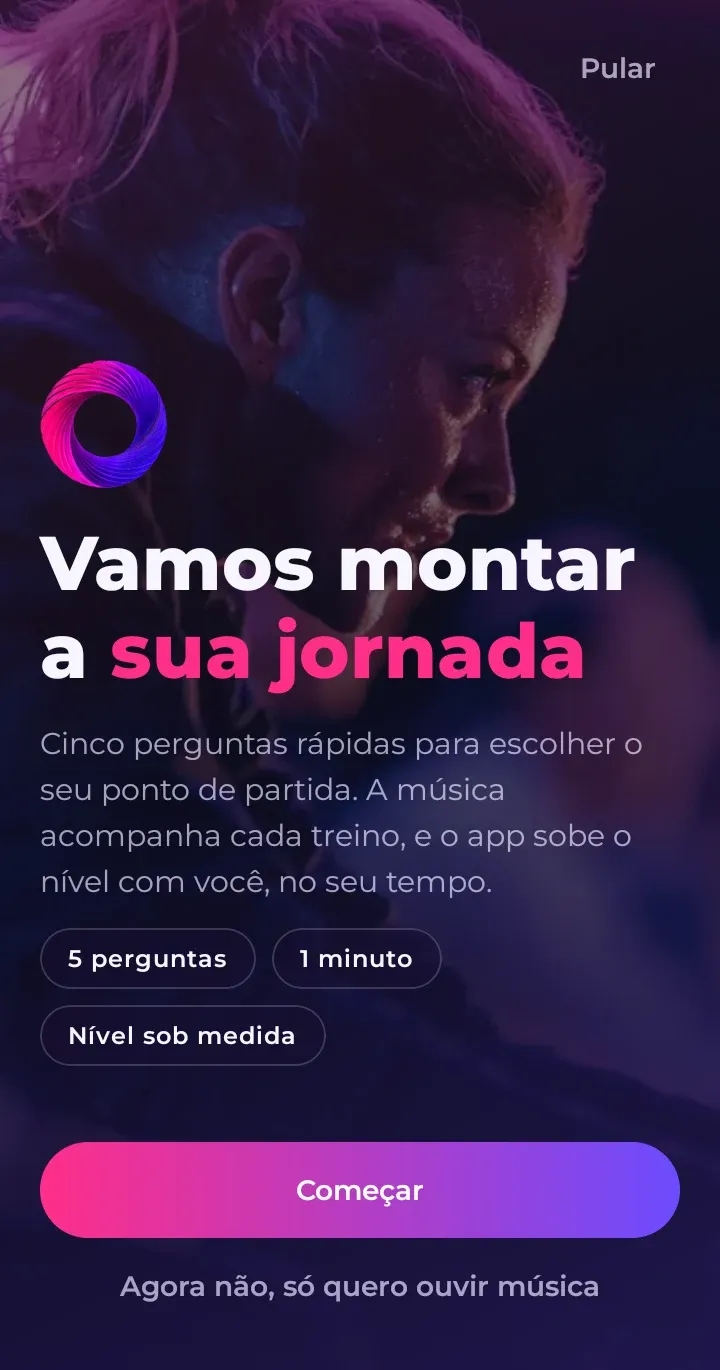
The first time you open OmniBeat, the app asks five quick questions to suggest the right workout for you. It takes less than a minute.
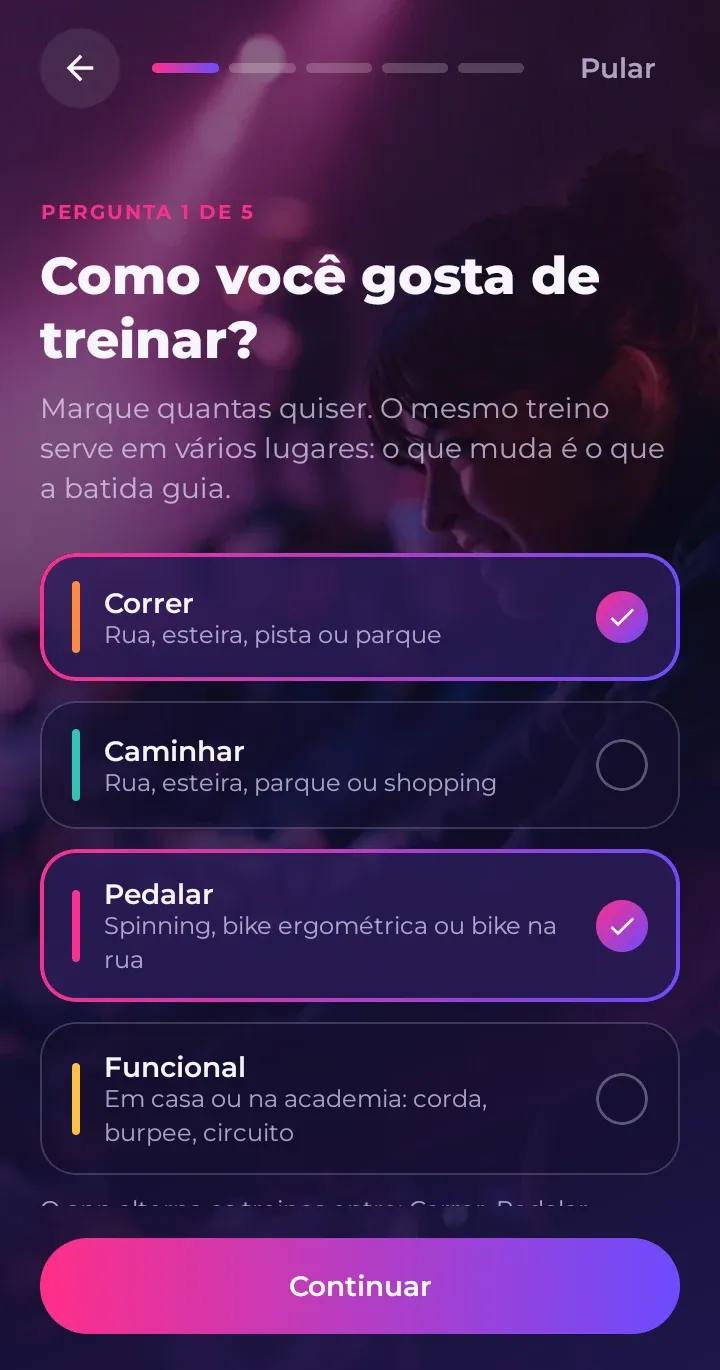
The questions
- Como você gosta de treinar? (How do you like to train?) Run, walk, cycle or functional training. Pick as many as you like: the app rotates between them.
- Health questions. These are the questions professionals use before someone starts a physical activity. If you answer “yes” to any of them, the app starts you at the lightest level and recommends talking to a health professional before hard workouts.
- How many minutes a week you already exercise.
- What you can already do, like walking for 30 minutes or running without stopping.
- Your weekly workout goal. Start small: you can change it later.
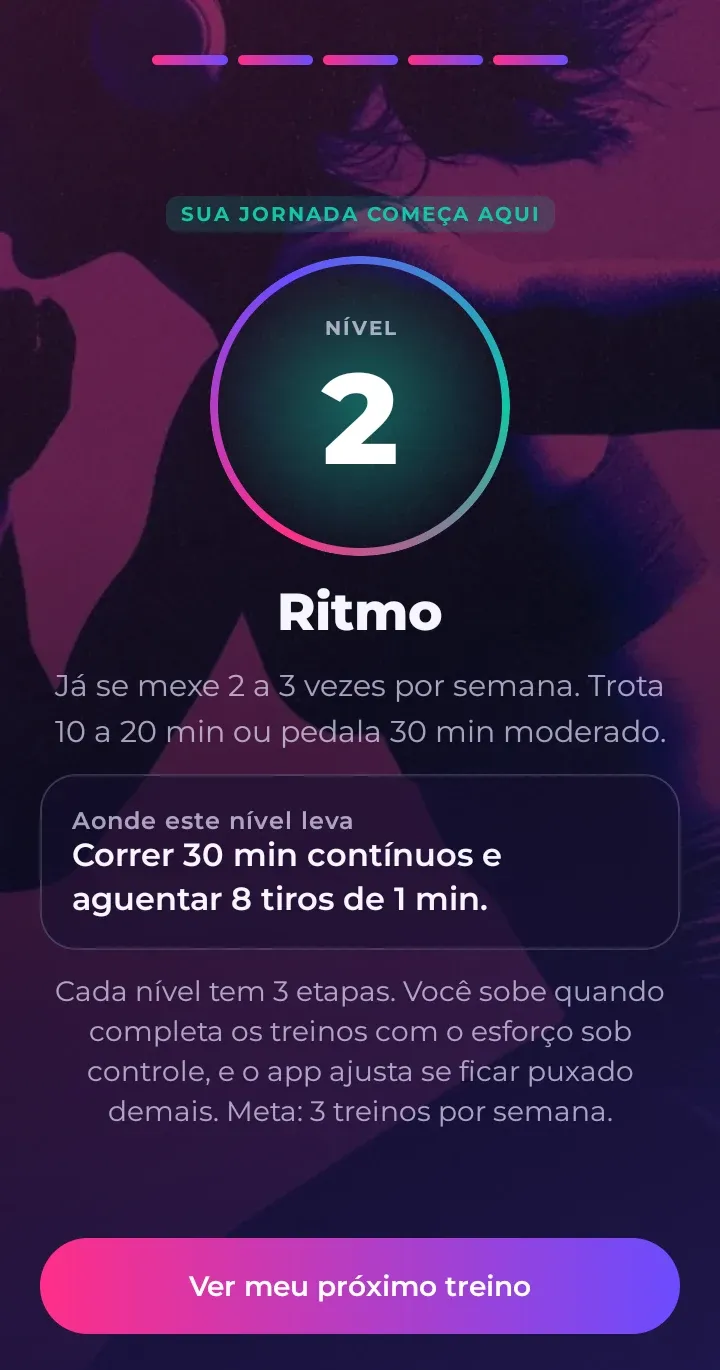
At the end, the app shows your level and your next workout.
Just want to listen to music? Tap “Agora não, só quero ouvir música” (“Not now, I just want to listen to music”). You can answer later in Configurações › Sua jornada (Settings › Your journey).
The three tabs
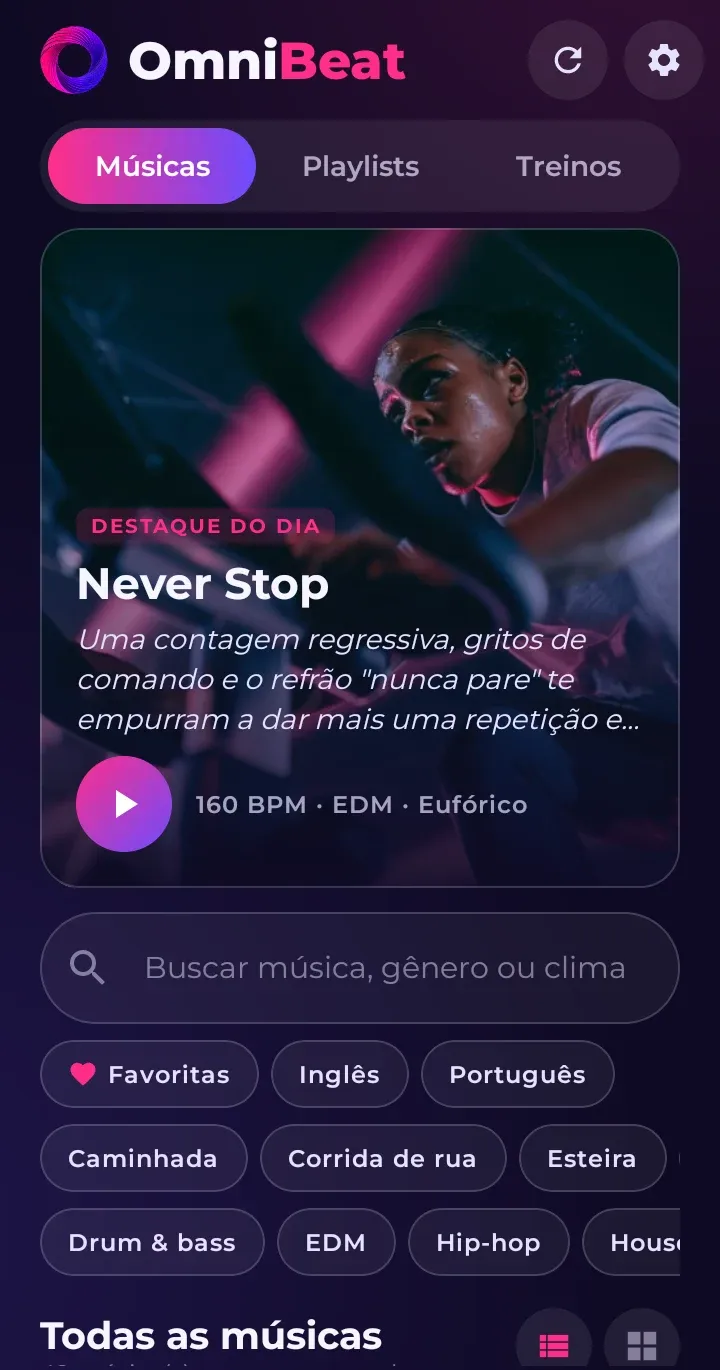
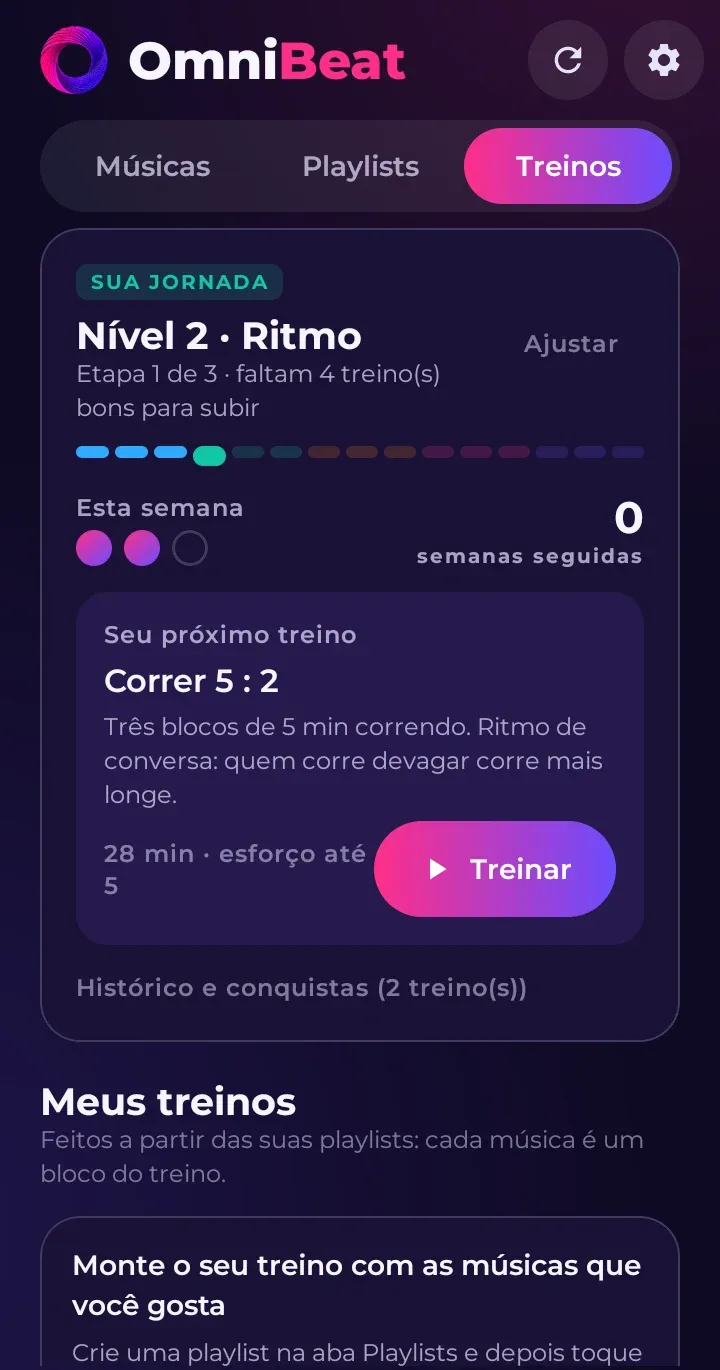
- Músicas (Songs): every OmniBeat song, with search and filters. Tap a song to open its page.
- Playlists: the lists you’ve put together.
- Treinos (Workouts): your journey, the suggested next workout, the workout list and the workouts you’ve created yourself.
Your first workout
In the Treinos (Workouts) tab, the Sua jornada (Your journey) card shows your next workout. Tap Baixar e treinar (Download and train). Put on your headphones, hit play and follow the beat: one step on every beat, or one foot pushing down on the pedal.
Once downloaded, the workout plays without internet.