
← Help centerHelp · Music
Build your own workout with the songs you love
Turn a playlist into a workout, with a warm-up, effort, peak and cool-down.
The app interface is in Portuguese for now. In these tutorials, button names appear in Portuguese, followed by the translation in parentheses.
Love a particular set of songs? You can turn the playlist into your own workout.
How to create one
- In the Playlists tab, open the playlist.
- Tap Transformar em treino (Turn into a workout) and give it a name.
- The workout shows up in Treinos › Meus treinos (Workouts › My workouts).
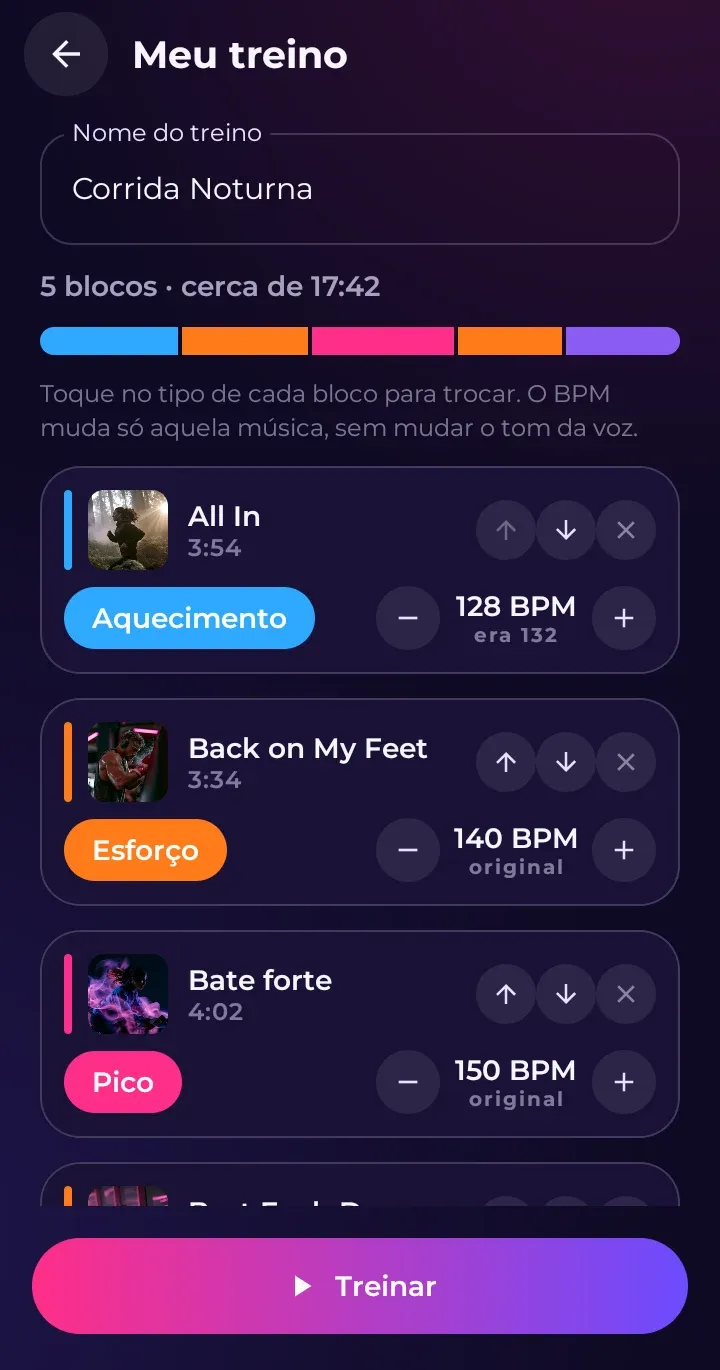
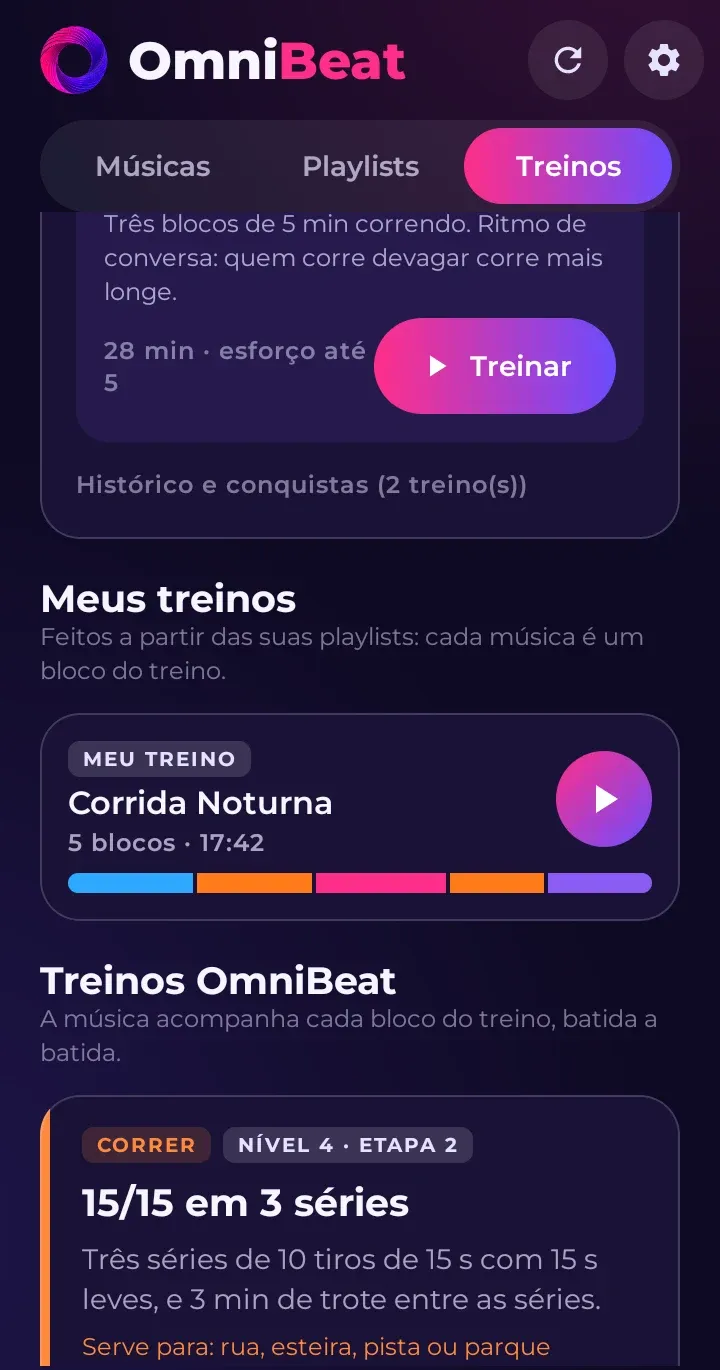
Each song becomes a block. The app suggests an order for you: the first song is the warm-up, the last one is the cool-down and the ones in between are effort (with five or more songs, it mixes in recoveries).
The basics of each block
- Tipo (Type): Aquecimento (Warm-up), Esforço (Effort), Pico (Peak), Recuperação (Recovery) or Desaquecimento (Cool-down). Each one has its own color on the workout screen.
- BPM: use − and + to change it 2 at a time. Tap the number to go back to the original.
More options
- Trecho (Section): the whole song or just a part of it (from 30 seconds to 5 minutes).
- Expected Esforço (Effort), from 0 to 10.
- Repetir os blocos do meio (Repeat the middle blocks) up to 6 times. The warm-up and cool-down are left out of the repetition.
- Emenda (Transition) between songs, and a visual e sons próprios (custom look and sounds) for this workout.
When you play it, the bar at the top shows the whole workout, just like a journey workout. Your own workouts count toward your history, your weekly goal and your streak.