
Rhythm test
A 30-second test so the app can get to know your rhythm and suggest helpers.
The app interface is in Portuguese for now. In these tutorials, button names appear in Portuguese, followed by the translation in parentheses.
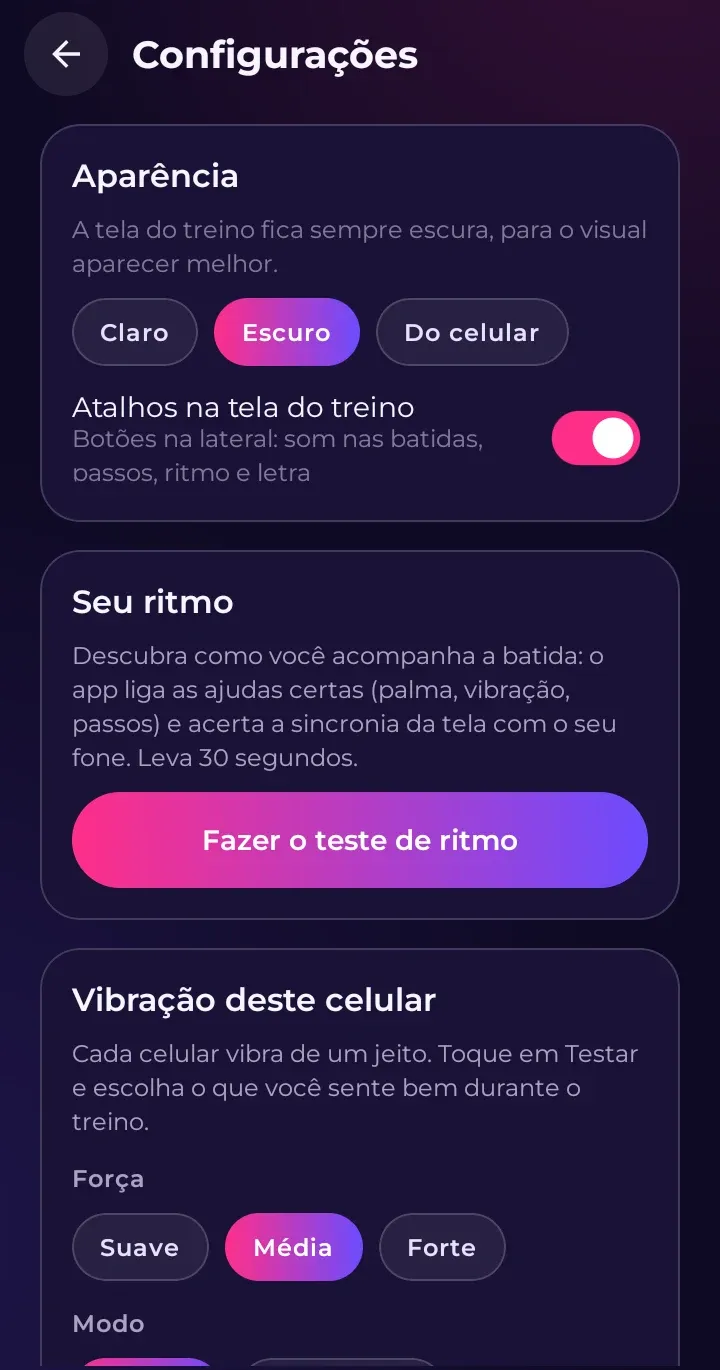
The rhythm test is in Configurações › Seu ritmo (Settings › Your rhythm) and takes about 30 seconds.
How to take it
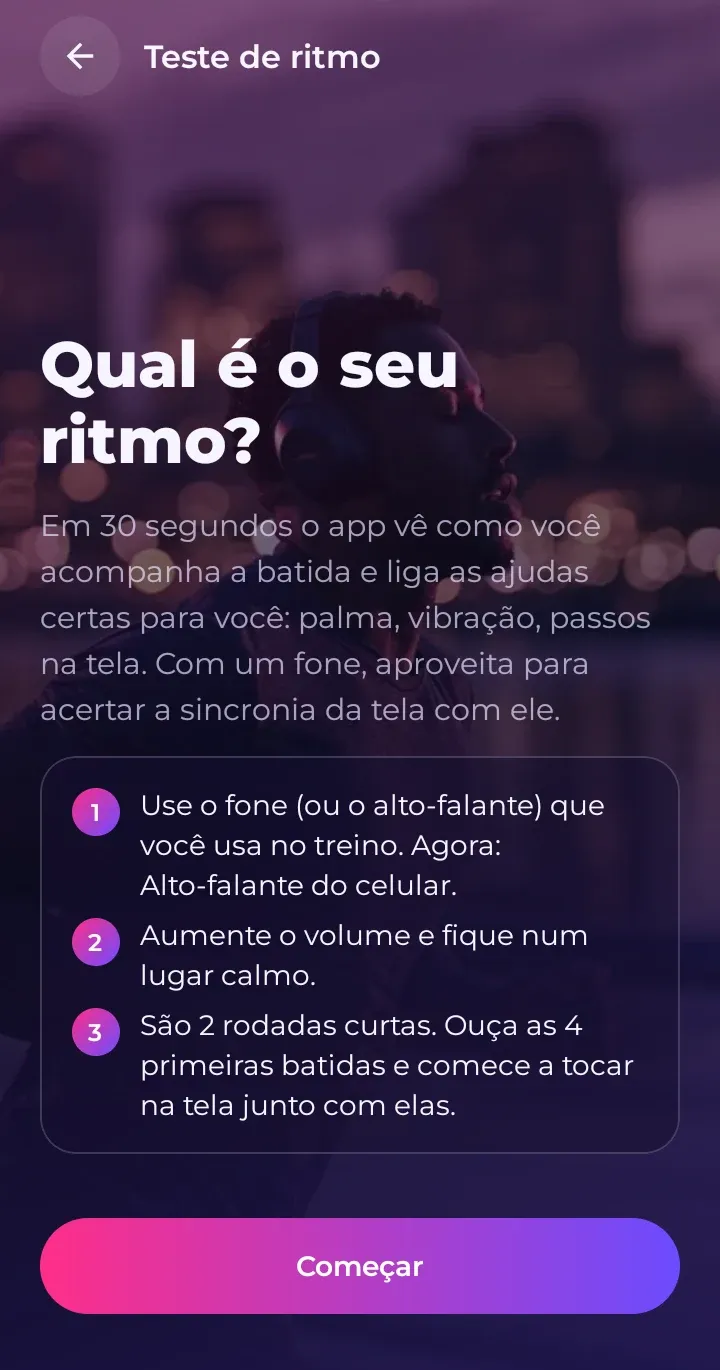
- Use your phone’s speaker the first time (it becomes the reference for your headphones).
- Tap the screen along with the claps you hear. There are two rounds: a calmer one and a faster one, each with a few lead-in beats first.
- Tap to the sound, not to what you see on the screen.
Your result
Instead of a score, the app shows your phase: Começando (Getting started), Pegando o ritmo (Finding the rhythm), No ritmo (In the groove) or Ritmo afiado (Sharp rhythm). Your phase is based on your best recent tests: one bad day won’t bring you down.
It also shows what went well: how many beats you kept up with, your longest on-time streak and the tempo where you did best. Want the numbers? Tap Ver detalhes (See details).
Suggested helpers
Based on your result, the app may suggest helpers to make the rhythm easy to follow: claps every 4 beats or on every beat, vibration, steps on screen. Tap Usar estas ajudas (Use these helpers) to turn them on; nothing changes unless you ask.
Rhythm points
Each test earns points, and so does every minute of music or training (a bit more with helpers turned on). Points only go up, and they reward effort, not results.